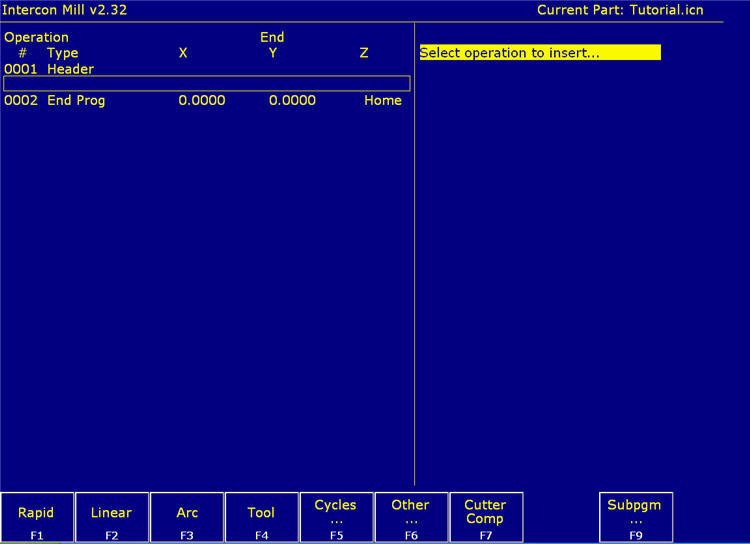
Intercon Conversational Programming software is included with  every Centroid
CNC control system. To learn more about each feature place your cursor over the F key box.
Previous    Next
After choosing your file name and the first tool, you can select from one of these operations.
Click on F5 to see the canned cycles menu or click on the "next" arrow.
This is a G0 command but you don?t need to remember this. Just fill in the XYZ location you wish to rapid to. This is a G1 or coordinated feed command. Choose this when you need to feed the cutter in a straight line from your current location to a new location. Fill in the XYZ location you wish to feed to. This is a G2 or G3 command. Your cutter has already moved to the starting point. Just fill in the known information from your part print. Choose a tool number. If that tool is already listed in your tools library, then, all of its information will be filled in for you. This will take you to another menu of canned cycles. Pocket routines, drilling routines, tapping, thread milling, and more. This will take you to another menu of misc. operations. Spindle, coolant, clamps, Rotary axis motion or Import DXF shapes. Cutter Comp Turn on or off, cutter compensation. All canned cycles already include Cutter compensation. Sub Programs Repeat a previously defined shape or pattern at a new location. This is a real time saver.